
Download Google Slides APK – free presentation app, online slides editor, Google Slides mobile, Google Slides for Android, create slides on phone, edit Google Slides on mobile
Overview
Google Slides is a free, cloud-based presentation tool designed for users who need to access, view, and edit slide decks on the go. Built by Google, it serves as a lightweight alternative to traditional desktop presentation software like Microsoft PowerPoint. The app enables users to manage their presentations across devices, with seamless integration into the broader Google Workspace ecosystem. It is particularly well-suited for professionals, educators, and students who rely on real-time collaboration and mobile access to their work.
Designed primarily for remote and on-the-move productivity, Google Slides allows users to review and make minor edits to existing presentations without requiring a full desktop environment. It supports offline access, allowing users to work without an internet connection, with changes syncing automatically once connectivity is restored. The app is tightly integrated with Google Drive, making it easy to locate and open existing presentations. While it may not be ideal for creating complex slide decks from scratch, it excels as a tool for quick adjustments, viewing, and collaborative editing.
Key Features & Capabilities
- Cloud-Based Presentation Access – Users can view and edit presentations stored in Google Drive directly from their Android device, enabling anytime, anywhere access.
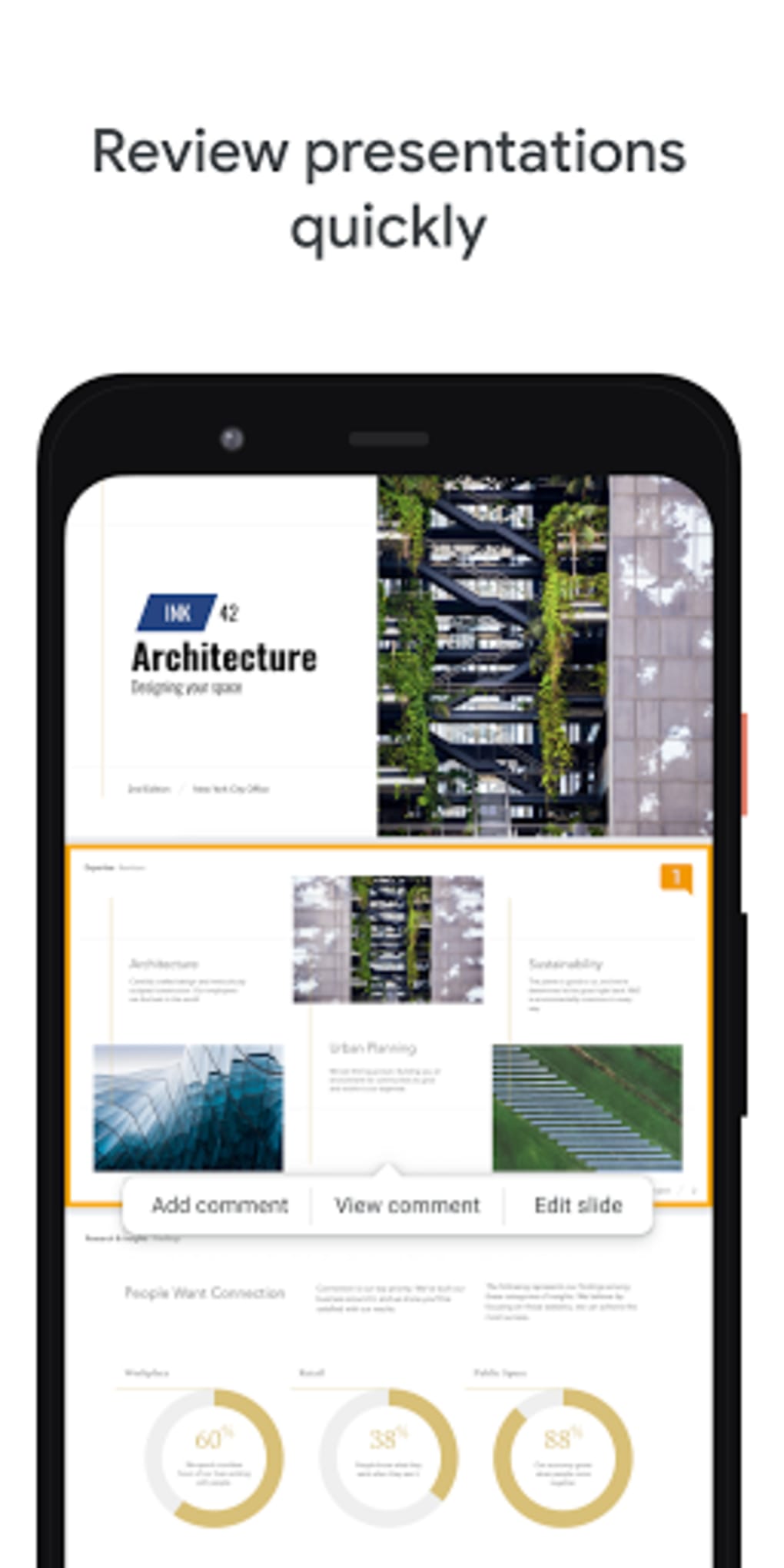
- Real-Time Collaboration – Multiple users can edit the same presentation simultaneously, with changes visible instantly, ideal for team projects and remote meetings.
- Offline Mode – The app allows users to work on presentations without an internet connection, with edits synced once the device reconnects.
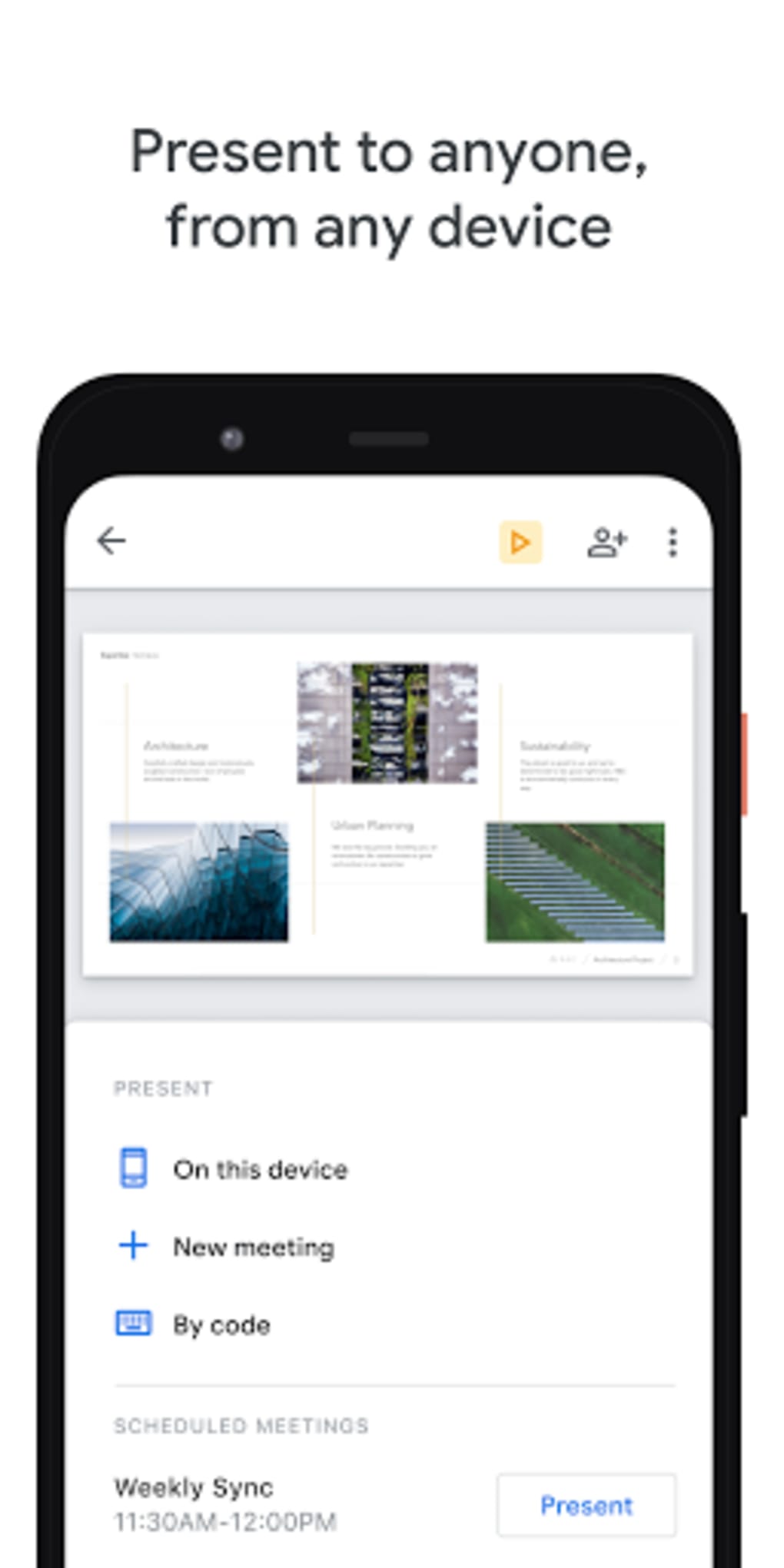
- Chromecast Integration – Presentations can be streamed directly to a TV or display via Chromecast, supporting seamless in-person or virtual presentations.
- Duet AI Image Generation – An AI-powered feature that generates custom visuals based on user prompts, helping users enhance their slides with unique graphics.
- Mobile-Optimized Interface – The app features swipe-based navigation between slides and touch-friendly tools for text and layout adjustments.
These capabilities make Google Slides a practical tool for reviewing, sharing, and refining presentations during travel, meetings, or classroom sessions. The ability to generate visuals with Duet AI adds a creative edge, especially for users who need to enhance their decks quickly. However, advanced editing—such as detailed image manipulation—requires exporting to a .pptx file and using external tools.
User Interface, Workflow & Performance
The user interface of Google Slides APK is clean and intuitive, designed with touch navigation in mind. Slides are displayed in a full-screen format, with easy swipe gestures to move between pages. The toolbar at the top provides quick access to core functions like adding text, inserting images, and inviting collaborators.
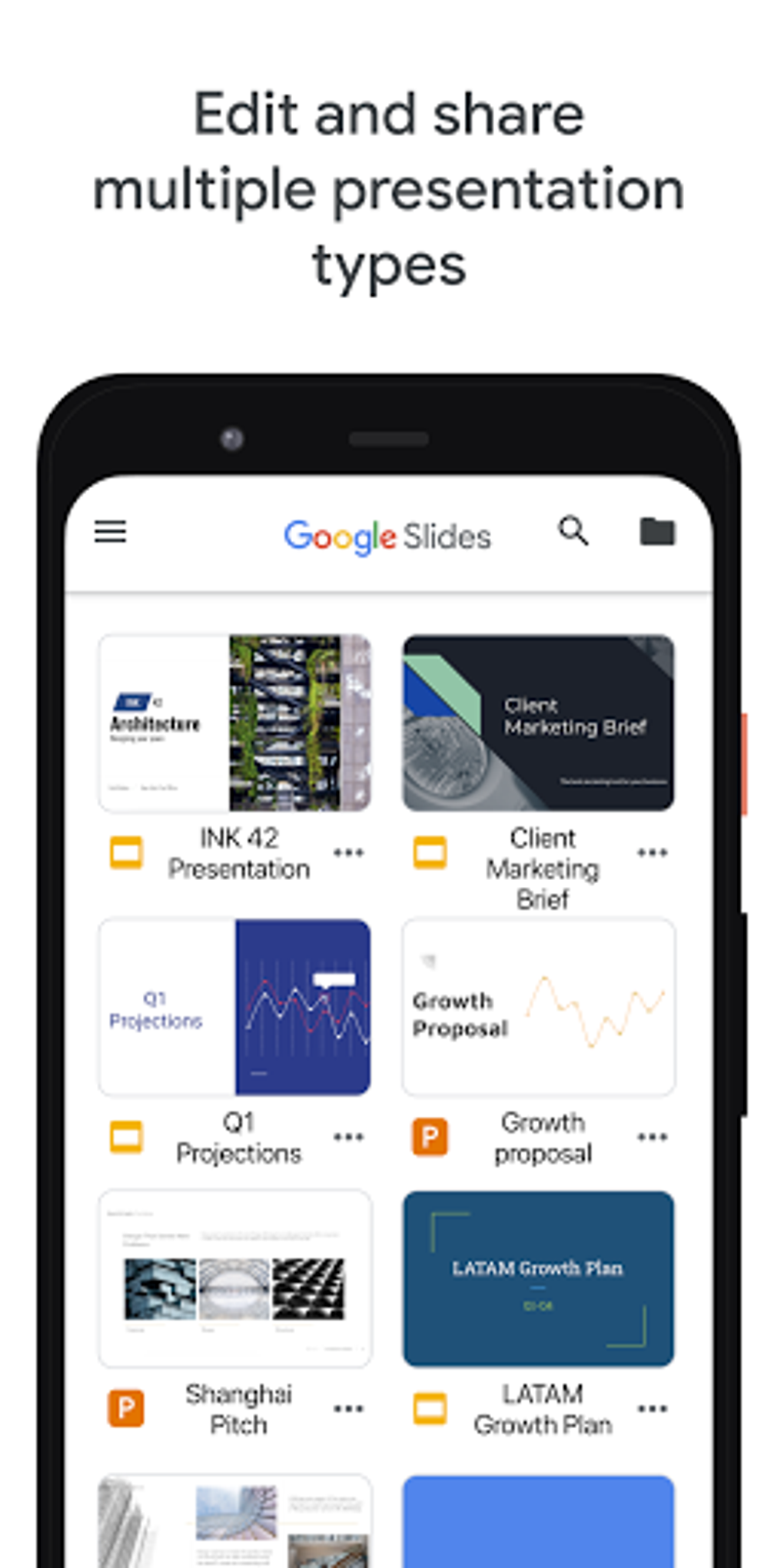
Navigation is straightforward, with a sidebar that lists all presentations in the user’s Google Drive. Editing is limited to basic text changes and slide reordering, which keeps the workflow simple but may feel restrictive for users seeking deeper customization. The app generally performs smoothly on Android devices, though performance may vary depending on device hardware and network conditions.
The developer did not specify resource usage details. Performance observations are based on general software behavior patterns. Stability appears consistent during typical use, with no reported crashes in the provided information. The app maintains responsiveness even when handling moderately sized presentations.
Compatibility & System Requirements
Google Slides APK is designed for Android devices and is compatible with Android 6.0 and later. The app has a file size of 30 MB, indicating a lightweight installation that does not consume significant storage space.
Exact system requirements were not listed. The developer did not provide additional system requirements. Compatibility information was partially provided. The app is optimized for mobile screens and touch input, making it ideal for smartphones and tablets.
Pros and Cons
Pros
- Free to download and use with no subscription required
- Seamless integration with Google Drive and other Google Workspace apps
- Supports real-time collaboration and offline editing
- Intuitive mobile interface with swipe navigation
- Includes AI-powered image generation via Duet AI
- Chromecast support for easy presentation sharing
Cons
- Limited advanced editing features compared to desktop software
- Image editing requires exporting to PowerPoint format
- Some templates may not load text correctly (reported in limited cases)
- Not ideal for creating complex presentations from scratch
- Dependent on Google account and internet access for full functionality
FAQ Section
Is Google Slides APK available for free?
Yes, Google Slides is completely free to download and use. It does not require a paid subscription or in-app purchases.
Can I use Google Slides without an internet connection?
Yes, the app supports offline access. You can view and edit presentations when disconnected from the internet, with changes syncing automatically once connectivity is restored.
Does Google Slides support real-time collaboration?
Yes, multiple users can edit the same presentation simultaneously. Changes are visible in real time, making it ideal for team projects and remote collaboration.
Can I export my slides to PowerPoint format?
Yes, presentations can be exported as .pptx files. This is necessary for advanced editing features like detailed image manipulation.
Is Google Slides safe to download and use?
Yes, Google Slides APK is a legitimate app developed by Google. It is available through official channels and is considered secure for personal and professional use.
Final Thoughts + CTA
Google Slides APK delivers a reliable, accessible solution for managing and editing presentations on Android devices. While it may lack the depth of desktop alternatives for complex creation tasks, it shines in mobility, collaboration, and integration with the Google ecosystem. Its AI-powered image generation, offline access, and Chromecast support make it a strong choice for professionals and students who need to stay productive on the go.
For those who prioritize flexibility, real-time teamwork, and cloud-based access, Google Slides is a standout tool. It’s not a full replacement for PowerPoint in every scenario, but it’s an excellent complement—especially for quick edits and presentations on the move.
Download Google Slides APK now






.png)
